


money counting machine
End-of-Day Cash Drawer Count with a Money Counter: 7 Steps and a Ready Template

Nov
The end-of-day cash drawer count is the last thing a cashier does before handing over the shift, and the biggest source of disputes. A 50-riyal difference with no explanation repeats week after week, and nobody knows when it appeared or who is responsible.
This guide sets out clear steps for counting the drawer with a money counter, a template you can copy and print, and a way to handle shortages and overages.
Steps for the End-of-Day Cash Drawer Count with a Money Counter
- A fixed opening float: set the change amount the drawer starts with every day, and take it out of the count before comparing.
- POS report first: print the total cash sales from the system before you count, so the expected figure does not influence the count.
- Two people: the cashier counts, and the supervisor watches and signs. This alone prevents most disputes.
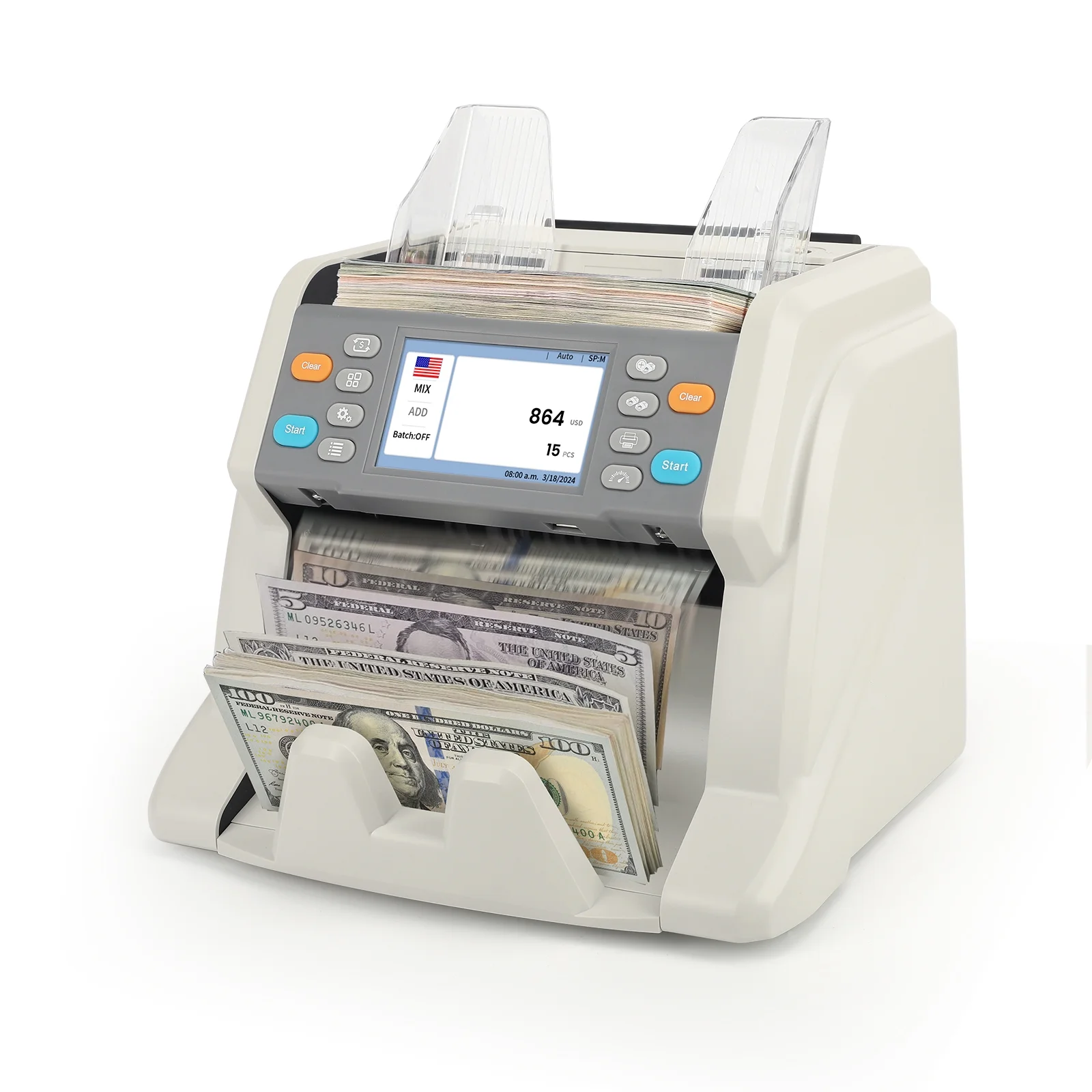
- Count in mixed mode: put the whole drawer into a machine that counts mixed denominations and gives you the count of each denomination and the total, with no hand sorting.
- Print the receipt: print the count result from the printer connected to the machine, or export a report from the PC software.
- Compare: cash counted minus the opening float, against cash sales on the POS report.
- Sign and file: the cashier and supervisor both sign the template, and the printed receipt is attached to it.
End-of-Day Cash Drawer Count Template
Copy this table onto paper or into an Excel file, and use it for every shift:
| Class | Count | Value (SAR) |
|---|---|---|
| 500 | ||
| 200 | ||
| 100 | ||
| 50 | ||
| 10 | ||
| 5 | ||
| Coins (halalas, 1 and 2 riyals) | ||
| Total cash counted | ||
| Less opening float | ||
| Net cash | ||
| Cash sales on the POS report | ||
| Difference (shortage − / overage +) | ||
| Cashier signature / supervisor signature / date and shift |
If your machine is connected to a printer, stick the printed receipt on the template instead of writing the denomination counts by hand.
Shortages and Overages in the Cash Drawer Count: What to Do
There is no single "acceptable difference" that suits every business; that is a policy your management sets. But the way to handle a difference is the same:
- Recount once before anything else. Two notes stuck together, or a rejected note left out of the total, are enough to create a difference.
- Check the POS report: cash refunds, a card payment recorded as cash by mistake, or the reverse.
- Record the difference as it is on the template, and do not cover it from an overage or from the cashier's pocket. Consistent records are what reveal the pattern.
- Watch for repetition: A difference on a particular cashier’s shift, or on a particular day, points you to the cause faster than any investigation. This is part of cash control in small businesses.
Halalas and Coins
Banknote counters do not count coins. If the drawer collects a lot of them, there are dedicated machines:
- U-P400: counts new Saudi riyal coins and sorts them into pockets by denomination, and rejects fake and non-Saudi coins.
- U-P1000: counts both old and new coins and sorts them into 7 pockets, including a reject pocket, and works with the report printer.
For small amounts, count coins by hand and write the total on its own line of the template.
Which Machine Suits the End-of-Day Cash Drawer Count?
| Machine | What it gives you for the count |
|---|---|
| U-P300 | Counts and totals one denomination you select manually; you need to sort denominations before counting |
| L1 | Mixed counting for riyals, with the count of each denomination and the total |
| U-P500 | Mixed counting with the count of each denomination and the total; works with the printer, external display and PC software |
The practical difference: with a single-denomination machine you sort the drawer by hand and then count each denomination separately; with a mixed-counting machine you load the whole drawer at once. The the report printer gives you the receipt to attach to the template, and the the external display lets the supervisor see the result during the count.
Common Mistakes
- Counting before printing the POS report, so the expected figure influences the count.
- Forgetting the opening float, which shows a false "overage".
- Leaving rejected notes out of the total without checking and recounting them.
- One cashier counting and signing alone.
- Covering a shortage from an overage without recording it.
If the shop runs more than one shift, apply the same count at every handover; see cash handover between shifts.
Frequently asked questions
How often should I count the cash drawer? At least at every shift handover. Where several cashiers share the same drawer, counting at every handover is what tells you who is responsible for a difference.
Is a counter without value totals enough for the drawer count? It counts the notes, but you have to sort denominations and work out the value yourself. For a daily count, a mixed-counting machine saves you that step.
Do I need the PC software for the drawer count? No. The printer is enough for a receipt to attach to the template. The software helps if you want a searchable record or Excel reports for your accountant.
What do I do with notes the machine rejects during the count? Check them by hand, then run them through again or add them to the total manually with a note on the template.
To learn the security features of riyal notes when checking rejected notes, see the sixth issue page on the Saudi Central Bank website.
Want the template as a ready Excel file? Message us on WhatsApp and we will send it to you, along with a machine recommendation for your drawer size.
Read also:
- What is mixed counting in a money counting machine?
- Money counter software and reports
- money counting machine for restaurants and cafés
- money counting machine for pharmacies
