


money counting machine
دقة ماكينة عد النقود: لماذا تتوقف في العد وكيف تتحقق منها بنفسك
Nov
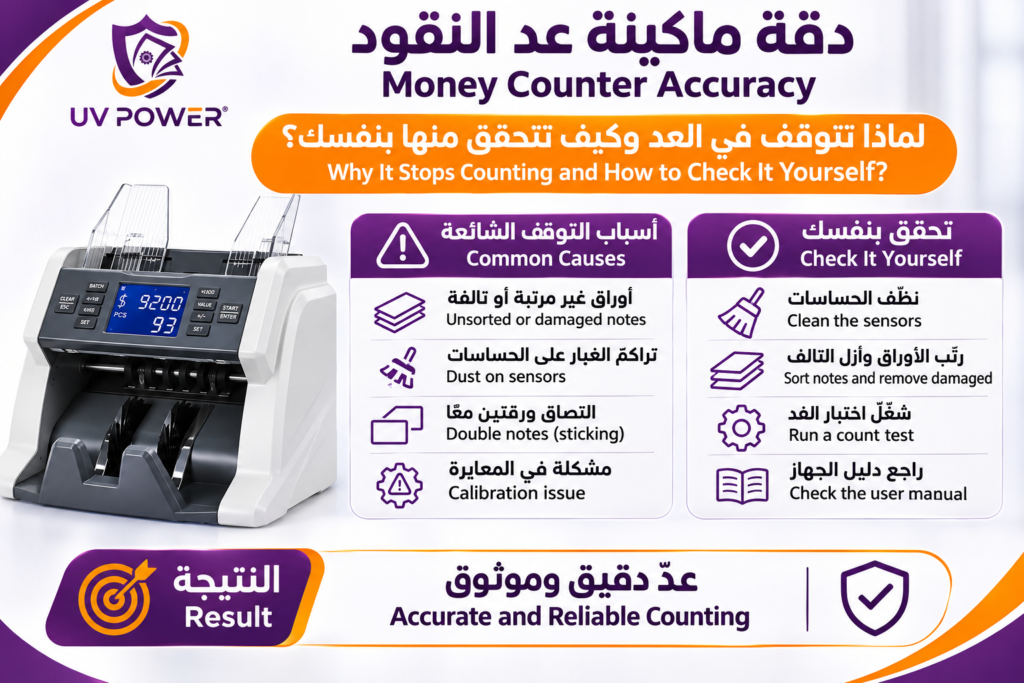
Money counter accuracy is high when the machine is used correctly. Most counting errors do not come from the machine itself, but from the condition of the notes, the selected mode, or sensors that need cleaning.
This guide explains the causes of counting errors and how to check your machine's accuracy yourself in minutes.
What affects money counter accuracy?
| Why | What happens | Solution |
|---|---|---|
| Stuck or folded notes | Two notes pass as one, or the machine stops | Fan out the bundle before placing it in the hopper |
| Dust on the sensors | Genuine notes rejected, or inconsistent results | Clean the sensors regularly |
| Wrong mode | It counts notes only while you expect the amount | Choose Mix mode for mixed denominations |
| A denomination missing from the currency file | A genuine denomination is always rejected | Update the machine's software |
| High speed with worn notes | Frequent stops and rejects | Choose a lower speed |
Rejection causes are explained in detail in Why does a money counting machine reject some notes?, and cleaning in our money counter maintenance guide.
How do you test money counter accuracy yourself?
- Prepare a bundle with a known count, such as 100 notes you counted carefully by hand.
- Count it in the machine three times in a row.
- If your machine calculates value, mix known denominations and confirm the total is correct.
- If the result differs between runs, look for the cause in the table above before assuming a fault.
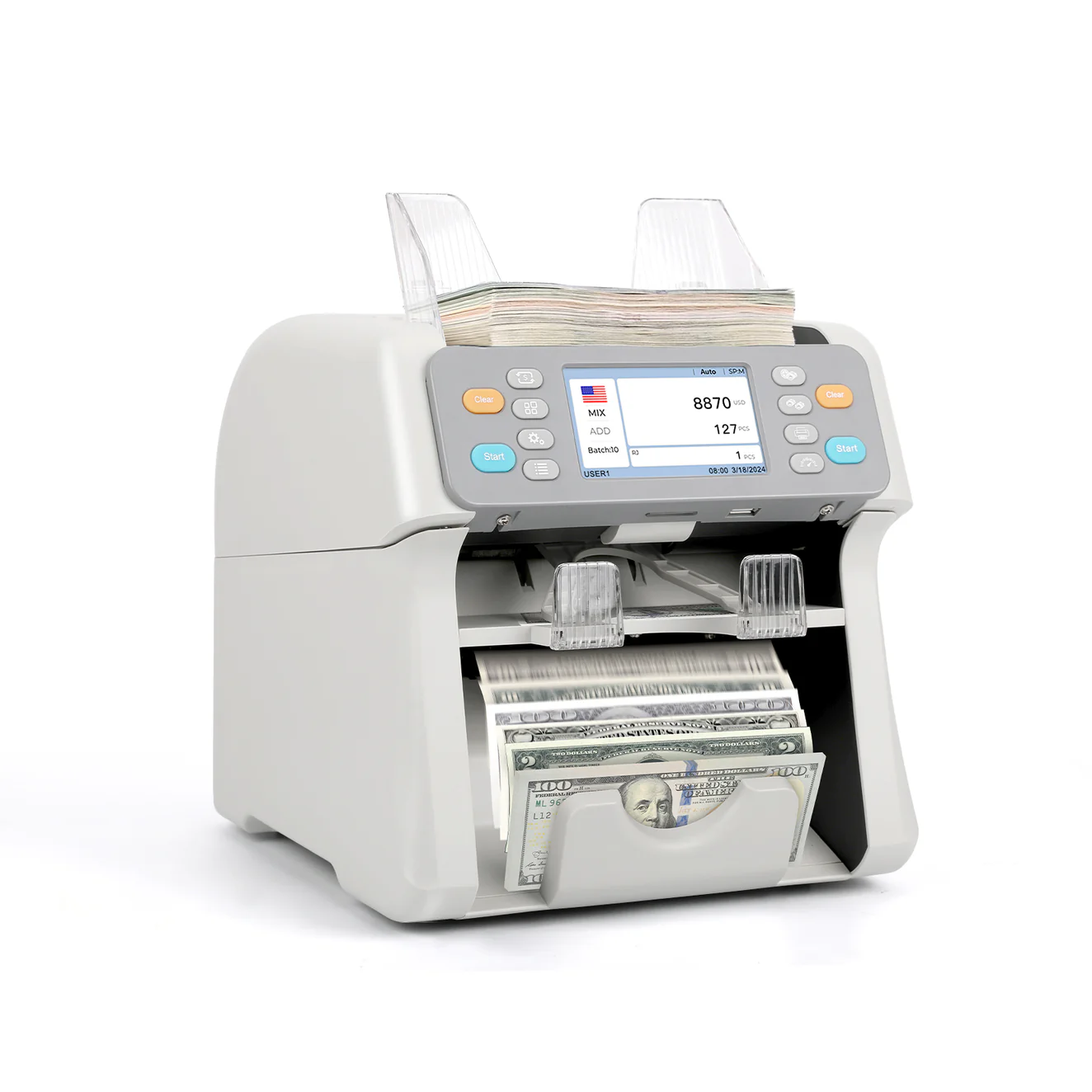
Does a faster speed lower money counter accuracy?
Not necessarily. But with old or folded notes, a lower speed may reduce stops and rejects. Most UV Power models offer three speeds, such as 800, 1,000 and 1,200 notes per minute. Details in Money counting machine speed.
Features that increase confidence in the count
- Reject pocket: A suspicious note goes to a separate pocket and is not added to the total, as in the U-P2000 , Magner and Glory.
- Report printer: A printed receipt of the count result that you can review later.
- Serial numbers: A log of each note's number, on the U-P500, U-P2000, Magner and Glory. Details in Banknote serial number reading.
Frequently asked questions
Do money counters make mistakes? Rarely, if the notes are fanned out, the sensors are clean and the mode is correct. Most errors come from stuck or folded notes.
How do I know my machine counts accurately? Count a bundle with a known count three times. If the results match your manual count, the machine is accurate.
Do I need to calibrate the machine? Calibration is not done by the user. If the error persists after cleaning and updating, contact the seller.
Are rejected notes included in the total? No. Rejected notes are excluded from the total, whether the machine has one pocket or two.
To see the current riyal denominations your machine must recognize, see the sixth issue page on the Saudi Central Bank website.
Is your machine giving inconsistent results? Message us on WhatsApp with the model name and what is happening, and we will help you find the cause.
